





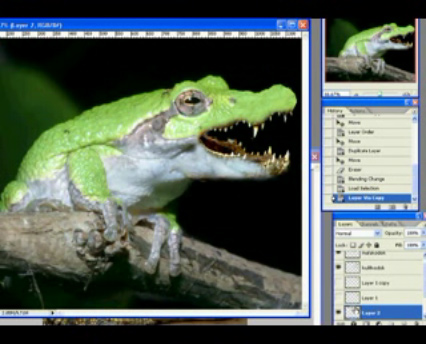
Heres a fun video tutorial that shows you how to take two animal ..
Heres some great inspiration for logo design with examples of mod..

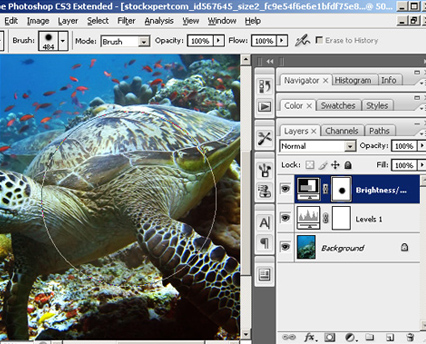
How to transform a standard photograph for use with a specific colour scheme or brand imag..

In this crazy new world of web 2.0 some designs call for some bright, shiny gradient butto..

Creating a 3D Tunnel Effect in Flash
Learn how to create this very cool 3D tunnel effect in Flash using some simple 2D animatio..

Create a realistic particle based firework display using Flash. This technique was once us..
Hopefully this will save you having to battle through the endless amount of Spy-ware ridden software that seems to appear every time I type the word “Free converter” into Google.
Through my travels I’ve managed to find some pretty good FREE encoders/ converters, that are also spy-ware FREE (gotta love that word FREE!)
Here’s a great converter I’ve found for converting your video into Flash Video Format or FLV files, very easy to use and you don't have to fiddle around setting up presets etc you just pick some standard settings and your away.
Formats Supported:AVI, MPEG, QUICKTIME (MOV), WMV
(that’s right online, no need to download from half death mirror servers and probably end up getting some spy-ware because you need it so desperately that you get to the point where you’ll just open anything to convert the dam file arrrrrrrghhhh!)
Sorry bad memories, ok lets relax… Heres the link:
This was the biggest life saver last week; bit of an ugly site that kind of puts you off at first, but it does the job pretty well and can convert tons of different formats all via their web server, make sure you bookmark this one!
Formats Supported: EVERY FILE TYPE UNDER THE SUN
First saw this site about a year ago and its pretty cool the way you can just drag and drop your video files into the browser and it will just upload and convert your video, good thing about this one is that it stores your video online so you can also share with friends etc.
Formats Supported: 3GP, 3GP2, AVI, DV, MPG, MPG4, NOV, MQV, WMV, ASF
Comments (2)
Posted by: Anonymous on 06/07/2007
Good links this will help me alot when ppl always ask me!, great site btw
Posted by: Gwins on 20/05/2007

Create animated eyes that blink, wink and following the mouse pointer using Flash...

Learn the simplest way to remove bad words or swear words from a flash input field or dyna..

Very cool effect that could be used for an intro or as an enter button for any web site...

How to design a logo covering some good font techniques, how to get inspiration, playing w..
Learn how to create this very cool 3D tunnel effect in Flash using some simple 2D animatio..



Send to a friend

i wn to this link